HubSpot-integratie
•
Paste into Custom HTML Module
HubSpot afteltimer
Add a real-time countdown timer to HubSpot emails by pasting a small HTML snippet. Create your timer, copy the embed code, paste it into a HubSpot Custom HTML Module, and you're done.
Afteltimer maken
Gratis plan beschikbaar • Geen creditcard nodig
Works with HubSpot marketing emails
Realtime-updates
HTML plakken
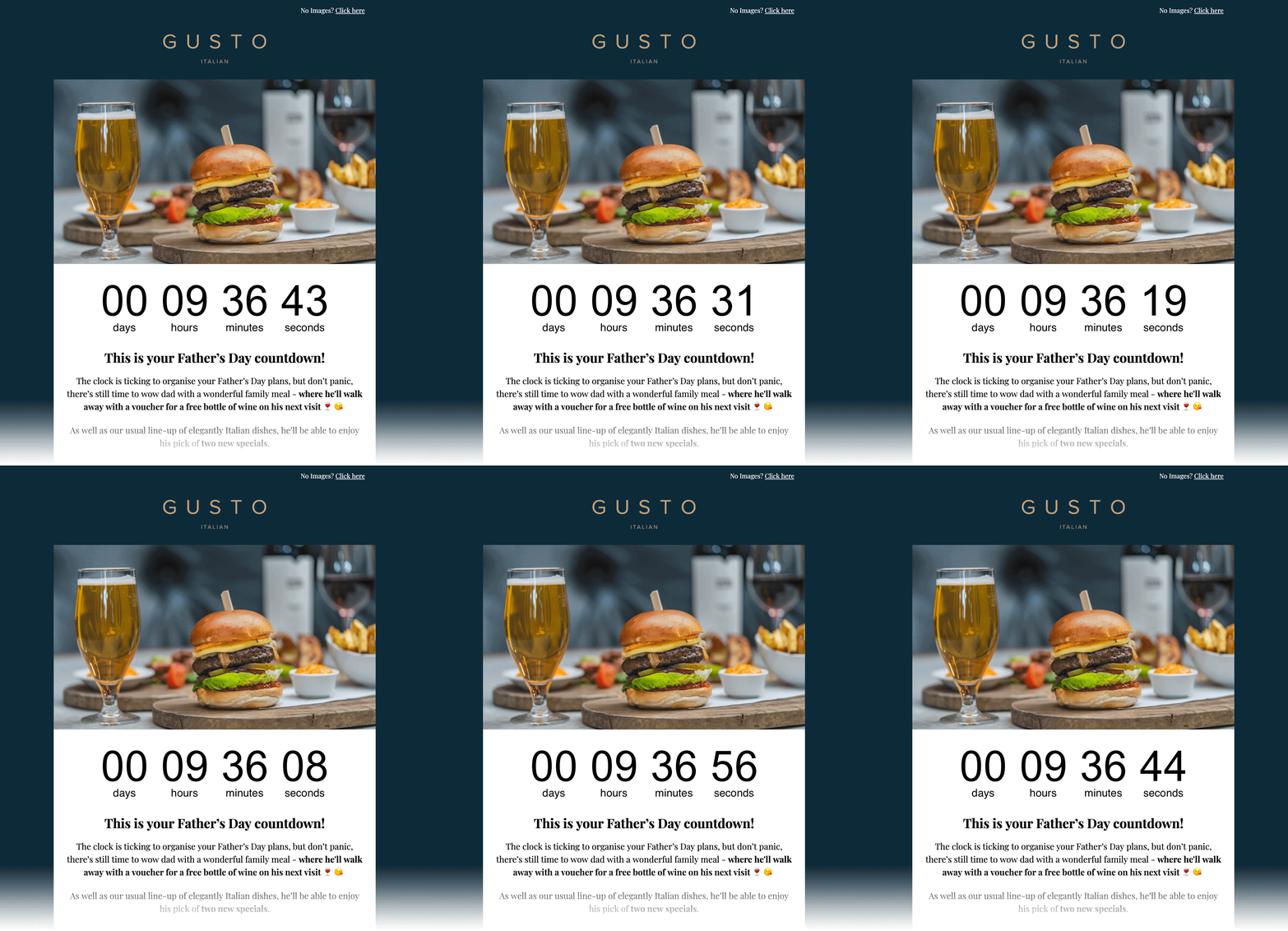
E-mailvoorbeeld
Insluit-HTML
Kopiëren → plakken in Custom HTML Module
<!-- Email Countdown Timer -->
<div style="text-align:center;">
  <img src="https://emailcountdowntimer.com/i/{hash}" alt="Countdown timer" />
</div>
Stap voor stap: voeg een afteltimer toe aan HubSpot
Volg deze stappen om uw timer in te sluiten met een Custom HTML Module.
Stap 1
Maak uw timer
Bouw in enkele minuten een afteltimer met Email Countdown Timer.
Stap 2
Kopieer de HTML-code
Klik op "Code ophalen" en kopieer de HTML-insluit-snippet.
Stap 3
Open HubSpot
In HubSpot, go to Marketing → Email and create or edit a drag-and-drop marketing email.
Stap 4
Add a Custom HTML Module
In the email editor, add a Custom HTML Module from the left sidebar and place it where you want the countdown.
Stap 5
Plak de HTML
Paste the embed code into the module, then apply or save your changes.
Stap 6
Preview & publish
Preview the email, send a test, then schedule or publish when you are ready.
Voeg de timer niet toe als afbeeldings-URL in HubSpot.
Afbeeldings-URL-invoegingen kunnen door HubSpot worden gecachet/gedownload, waardoor realtime-updates kunnen uitvallen. Paste the embed code into a HubSpot Custom HTML Module instead.
Tips voor betere resultaten
Kleine aanpassingen die klikken en conversies kunnen verbeteren.
Maak het zichtbaar
Plaats de timer bij uw hoofdaanbod en CTA om urgentie te versterken.
Past bij uw merk
Gebruik kleuren en lettertypen die natuurlijk aanvoelen in uw e-mailsjabloon.
Blijf authentiek
Realtime-timers houden de aftelling tot de deadline nauwkeurig.
Afteltimer maken
Free plan available • Works with HubSpot marketing emails
Veelgestelde vragen
Korte antwoorden over afteltimers in HubSpot.
Ja. Uw aftelling wordt als afbeelding (GIF) geleverd, ondersteund door alle grote e-mailclients.
Ja. U kunt beginnen met het gratis plan en later upgraden als u meer weergaven of geavanceerde functies nodig heeft.
Ja. De timerafbeelding ververst zodat de resterende tijd tot de einddatum klopt.
No. HubSpot can cache/download external images when inserted as an Image URL, which can prevent real-time updates. Paste the embed code into a HubSpot Custom HTML Module instead.
Klaar om urgentie toe te voegen aan uw HubSpot-e-mails?
Create your countdown timer now and paste the embed code into a HubSpot Custom HTML Module.
Afteltimer maken
Geen creditcard nodig