HubSpot 集成
•
Paste into Custom HTML Module
HubSpot 倒计时
Add a real-time countdown timer to HubSpot emails by pasting a small HTML snippet. Create your timer, copy the embed code, paste it into a HubSpot Custom HTML Module, and you're done.
创建倒计时
提供免费方案 • 无需信用卡
Works with HubSpot marketing emails
实时更新
粘贴 HTML
邮件预览
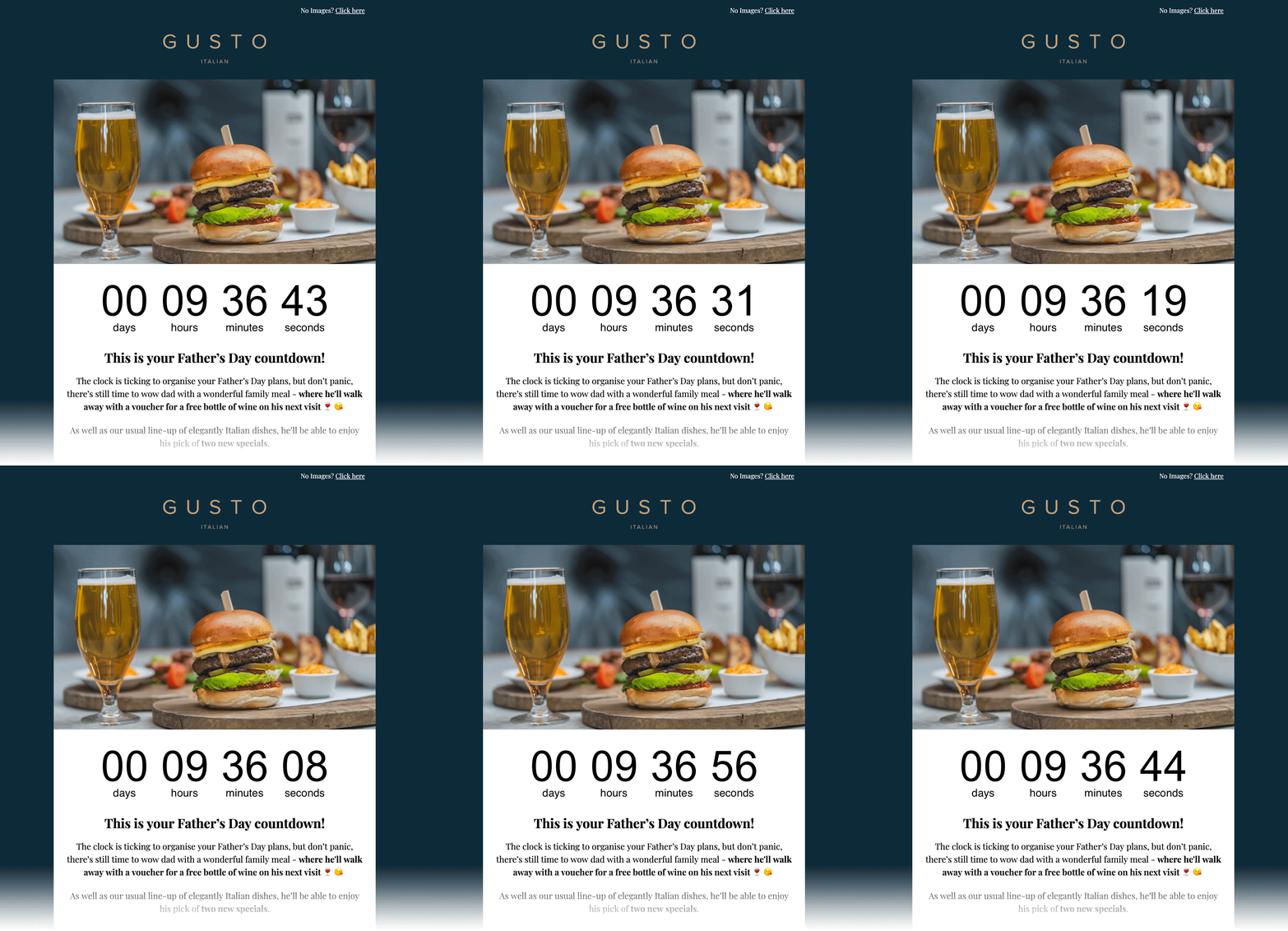
嵌入 HTML
复制 → 粘贴到 Custom HTML Module
<!-- Email Countdown Timer -->
<div style="text-align:center;">
  <img src="https://emailcountdowntimer.com/i/{hash}" alt="Countdown timer" />
</div>
分步说明:在 HubSpot 中添加倒计时
按以下步骤使用 Custom HTML Module 嵌入您的计时器。
第 1 步
创建您的计时器
使用 Email Countdown Timer 在几分钟内创建倒计时。
第 2 步
复制 HTML 代码
点击「获取代码」并复制 HTML 嵌入片段。
第 3 步
打开 HubSpot
In HubSpot, go to Marketing → Email and create or edit a drag-and-drop marketing email.
第 4 步
Add a Custom HTML Module
In the email editor, add a Custom HTML Module from the left sidebar and place it where you want the countdown.
第 5 步
粘贴 HTML
Paste the embed code into the module, then apply or save your changes.
第 6 步
Preview & publish
Preview the email, send a test, then schedule or publish when you are ready.
请勿在 HubSpot 中以图片 URL 方式添加计时器。
以图片 URL 插入时,HubSpot 可能会缓存或下载外部图片,从而导致无法实时更新。 Paste the embed code into a HubSpot Custom HTML Module instead.
提升效果的小技巧
细微调整即可提升点击与转化。
放在显眼位置
将计时器放在主要优惠与行动按钮附近,以强化紧迫感。
与品牌风格一致
使用与邮件模板风格协调的颜色与字体。
保持实时准确
实时倒计时在截止前都会保持准确。
创建倒计时
Free plan available • Works with HubSpot marketing emails
常见问题
关于在 HubSpot 中使用倒计时的简要说明。
可以。倒计时以图片(GIF)形式呈现,主流邮件客户端均支持。
可以。您可先使用免费方案,若需要更多展示量或高级功能再升级。
会。计时图片会刷新,在结束前剩余时间都会保持准确。
No. HubSpot can cache/download external images when inserted as an Image URL, which can prevent real-time updates. Paste the embed code into a HubSpot Custom HTML Module instead.
想为 HubSpot 邮件增加紧迫感吗?
Create your countdown timer now and paste the embed code into a HubSpot Custom HTML Module.
创建倒计时
无需信用卡