HubSpot-integration
•
Paste into Custom HTML Module
HubSpot nedräkningstimer
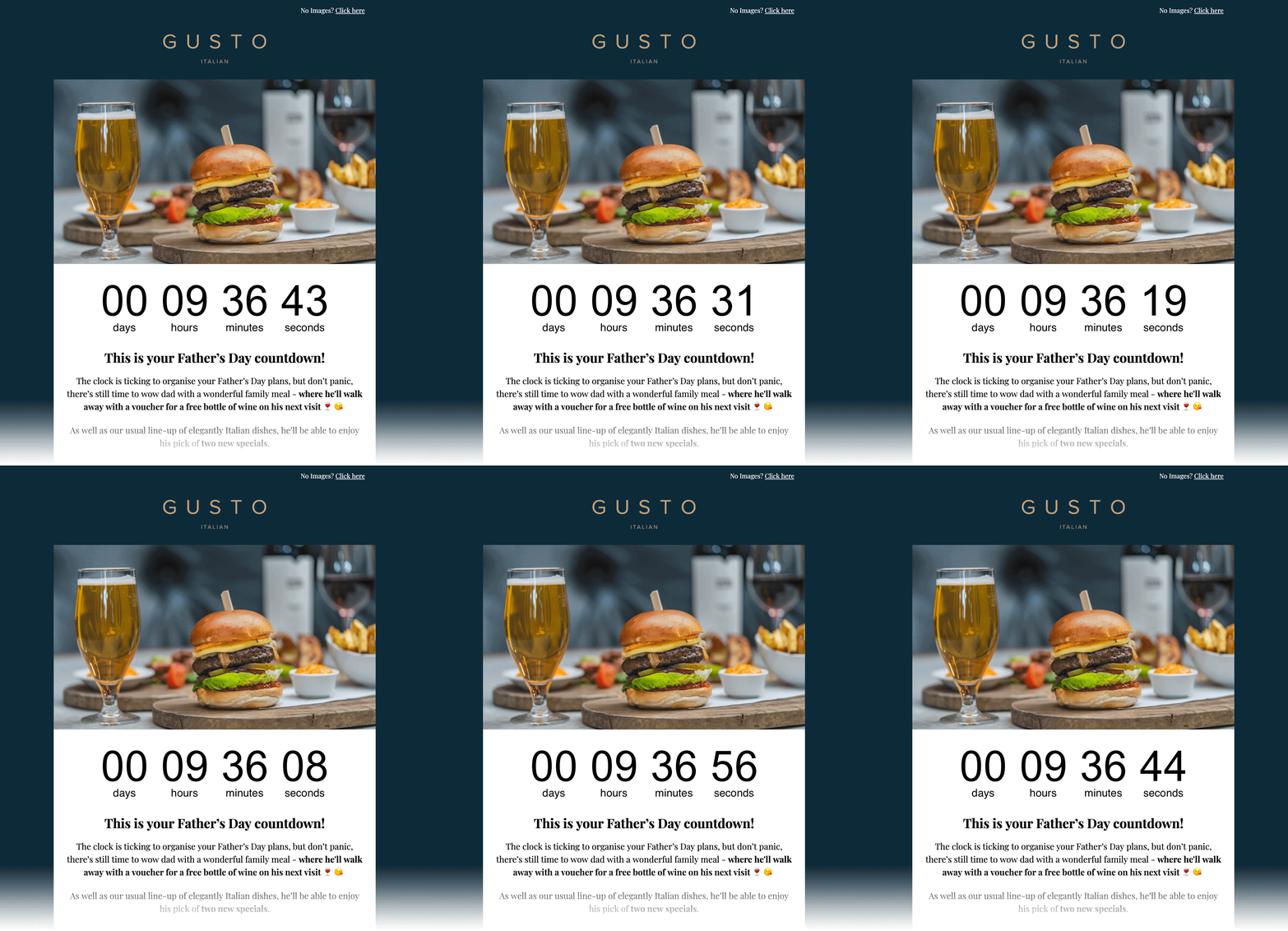
Add a real-time countdown timer to HubSpot emails by pasting a small HTML snippet. Create your timer, copy the embed code, paste it into a HubSpot Custom HTML Module, and you're done.
Skapa nedräkningstimer
Gratis plan tillgängligt • Inget kreditkort krävs
Works with HubSpot marketing emails
Uppdateringar i realtid
Klistra in HTML
E-postförhandsvisning
Inbäddnings-HTML
Kopiera → klistra in i Custom HTML Module
<!-- Email Countdown Timer -->
<div style="text-align:center;">
  <img src="https://emailcountdowntimer.com/i/{hash}" alt="Countdown timer" />
</div>
Steg för steg: lägg till en nedräkningstimer i HubSpot
Följ dessa steg för att bädda in din timer med en Custom HTML Module.
Steg 1
Skapa din timer
Bygg en nedräkningstimer på några minuter med Email Countdown Timer.
Steg 2
Kopiera HTML-koden
Klicka på "Hämta kod" och kopiera HTML-inbäddningsfragmentet.
Steg 3
Öppna HubSpot
In HubSpot, go to Marketing → Email and create or edit a drag-and-drop marketing email.
Steg 4
Add a Custom HTML Module
In the email editor, add a Custom HTML Module from the left sidebar and place it where you want the countdown.
Steg 5
Klistra in HTML
Paste the embed code into the module, then apply or save your changes.
Steg 6
Preview & publish
Preview the email, send a test, then schedule or publish when you are ready.
Lägg inte till timern som bild-URL i HubSpot.
Bild-URL-insättningar kan cachas/laddas ner av HubSpot, vilket kan stoppa uppdateringar i realtid. Paste the embed code into a HubSpot Custom HTML Module instead.
Tips för bättre resultat
Små förändringar som kan förbättra klick och konverteringar.
Gör den synlig
Placera timern nära ditt huvuderbjudande och CTA för att förstärka brådska.
Matcha ditt varumärke
Använd färger och typsnitt som känns naturliga i din e-postmall.
Håll det verkligt
Timers i realtid håller nedräkningen korrekt fram till deadline.
Skapa nedräkningstimer
Free plan available • Works with HubSpot marketing emails
Vanliga frågor
Snabba svar om nedräkningstimers i HubSpot.
Ja. Din nedräkning levereras som en bild (GIF) som stöds av alla större e-postklienter.
Ja. Du kan börja med gratisplanen och uppgradera senare om du behöver fler visningar eller avancerade funktioner.
Ja. Timerbilden uppdateras så att återstående tid stämmer fram till slutdatumet.
No. HubSpot can cache/download external images when inserted as an Image URL, which can prevent real-time updates. Paste the embed code into a HubSpot Custom HTML Module instead.
Redo att ge dina HubSpot-e-postmeddelanden mer brådska?
Create your countdown timer now and paste the embed code into a HubSpot Custom HTML Module.
Skapa nedräkningstimer
Inget kreditkort krävs